- SkaleBot
- Posts
- Add the Skalebot Chat Widget to Your Website in Just 2 Minutes!
Add the Skalebot Chat Widget to Your Website in Just 2 Minutes!

SkaleBot by Deskala
July 15, 2025
Hi there 👋,
Want to talk to your website visitors instantly and turn them into leads? You can now easily embed the Skalebot chat widget into any website with just a few lines of code. No tech headaches, no plugins — just copy, paste, and go live! 🚀
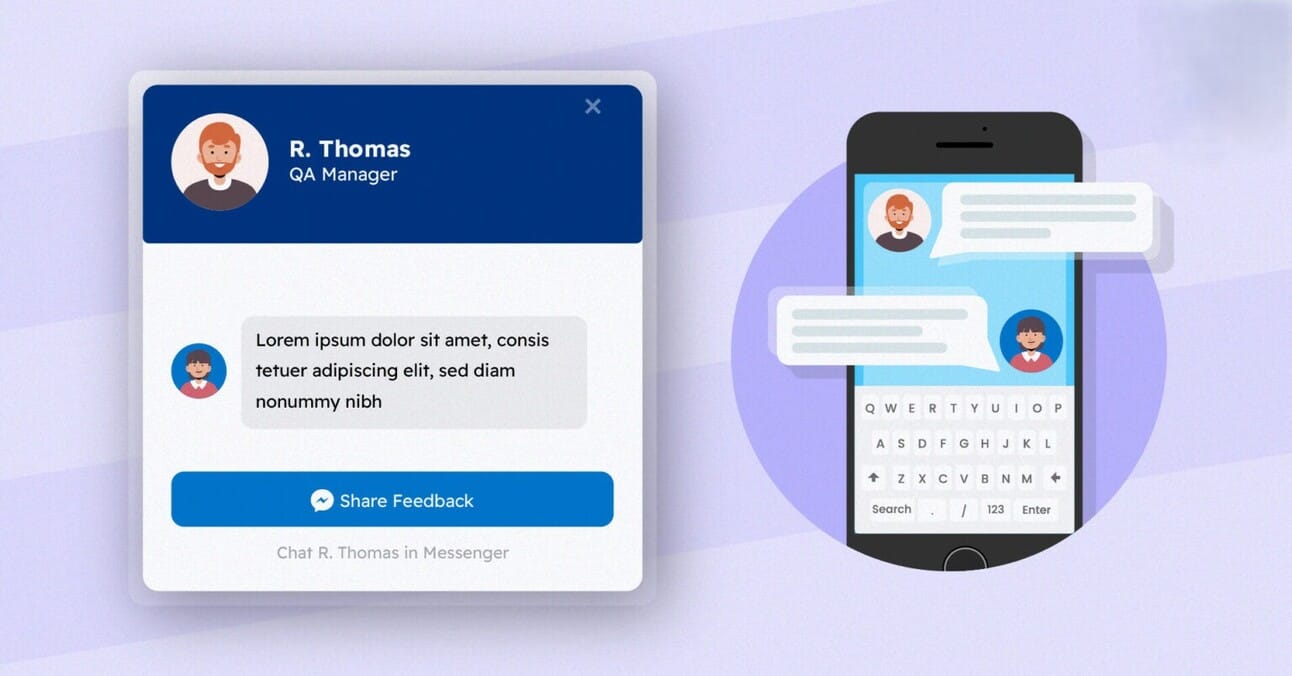
🧭 Step-by-Step Guide: Connect Skalebot to Your Website
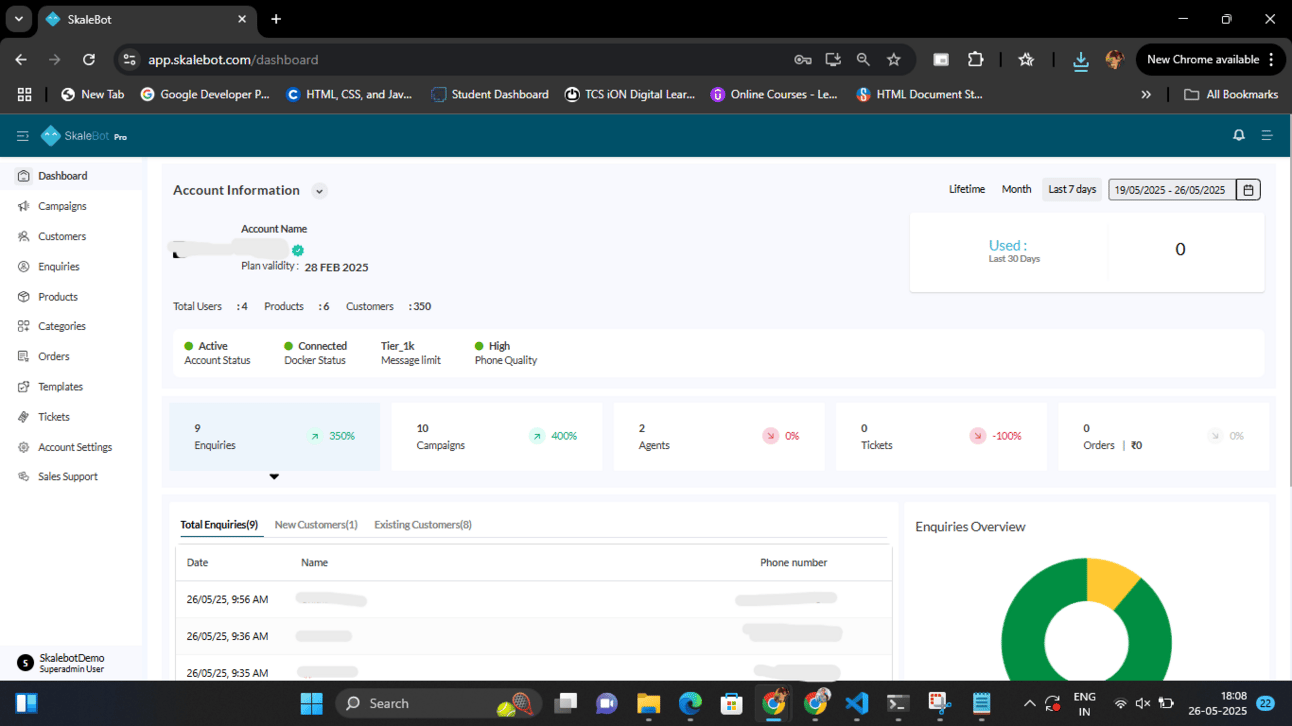
🖼️ Step 1: Go to Your Skalebot Dashboard Log in to your account and head over to the “Chat Widget” section under your business profile.
📸 Example Screenshot:
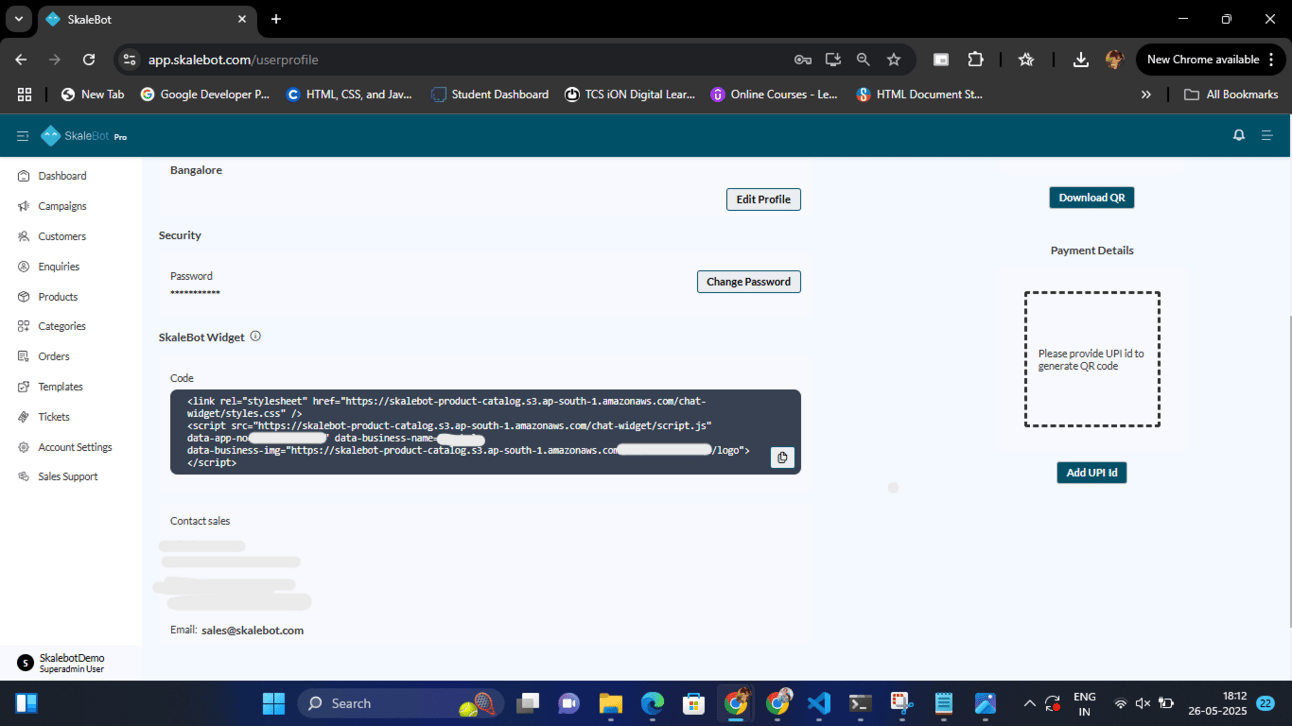
🖱️ Step 2: Copy Your Personalized Widget Code Click on the “Copy Widget Code” button. This will copy a unique code snippet tailored to your business — no editing needed!
📸 Example Screenshot:
🧩 Step 3: Paste the Code into Your Website Open your website’s HTML editor (or ask your web developer).
Paste the copied code just before the closing </body> tag.
📸 Example Screenshot :
<html>
  <head>
    <!-- Stylesheet for chat widget -->
    <link rel="stylesheet" href="https://skalebot-product-..................................../styles.css" />
  </head>
<body>
    <!-- Your website content -->
    <!-- Chat widget -->
    <script
  src="https://skalebot-product-................................./script.js"
      data-app-no="YOUR_NUMBER"
      data-business-name="YOUR_BUSINESS"
      data-business-img="YOUR_LOGO_URL">
    </script>
  </body>
</html>
That’s it! 🎉 Refresh your website, and your chat widget will appear in the corner.
Why Add the Chat Widget?
📞 Instant WhatsApp communication
🤝 Higher lead conversion
🧠 Works 24/7 with automation
⚙️ No backend or server needed
If you need help customizing the widget or integrating it with a CMS like WordPress or Wix, reply to this email and we’ll be happy to help!
Stay connected,
— The Skalebot Team 🚀